


Hi, I'm Aye, a second year student studying Actuarial Science major at York from Myanmar. I am a quiet person but I can't go too many days without hanging out with my friends. I love meeting new people, sharing opinions, volunteering and binge-watching movie series in my room!
One thing you can prepare for your first week at York is your phone! Whether you're finding your way around campus, checking your class schedule or showing your student ID, your phone becomes your go-to tool. To make your transition a little easier, I want to share a few phone setup tips and apps to download that helped me when starting university.
eAccounts Mobile App

The very first app that I recommend to York students is the eAccounts Mobile App. You use it to set up, manage and add funds to your YU-card, which gives you access to campus services and facilities.
Since the YU-card is York's official student ID and something you will definitely need to sit an exam and many other things, it is encouraged to set it up as soon as possible. If you are still unsure about the process, check out our blog post all about your YU-card for more information.
eClass

Many students prefer accessing eClass through Safari or Chrome. On your phone, search up “eClass YorkU” or visit the eClass website and sign in using your Passport York account once you're enrolled.
If you haven't activated your York Passport account yet, you can follow this guide to set it up.
Being familiar with eClass will be helpful in your first week as it is the main platform where professors share slides, assignments, grades and important announcements. Visit the York Courses website to find more information on class and exam timetables.
YorkU Recreation App
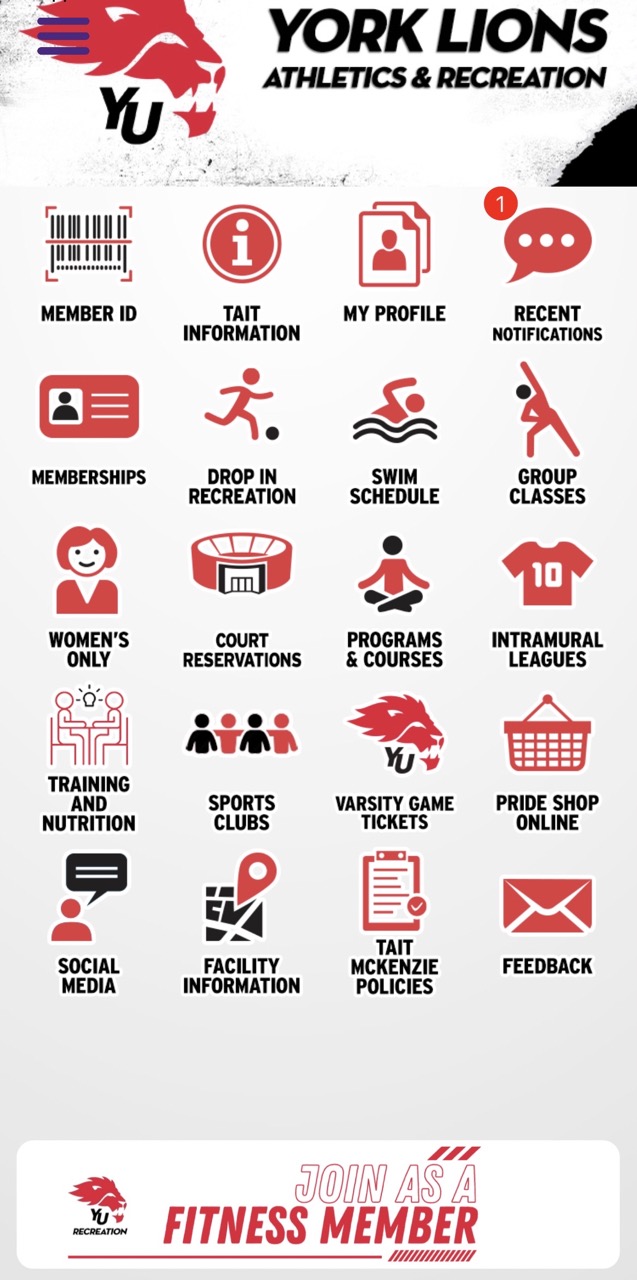
Did you know York has fitness classes on campus? Student life here goes beyond the classroom, with many opportunities to stay active and get involved.
For only $25 per academic year, you can get a gym membership at the Tait McKenzie Centre, York's main recreation and fitness facility. It features a fully equipped gym, swimming pool, squash courts and fitness studios. Your membership also includes a variety of group fitness classes. Be sure to check the class schedule on the YorkU Recreation App and sign up for sessions that interest you!
YorkU Safety App
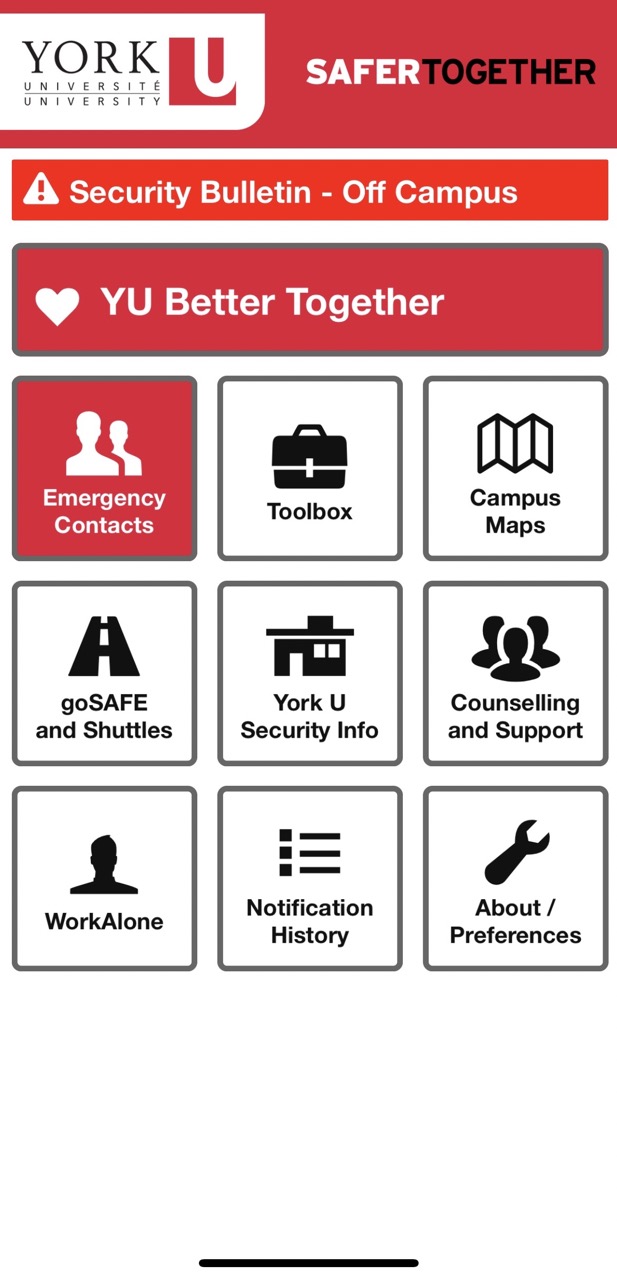
The YorkU Safety App is one of the most useful apps for students. This app includes campus directions, safety resources, emergency contacts and services that can help you feel more comfortable navigating campus. My advice is to download it before your first day so you are not trying to figure everything out in between classes!
Bonus: Google Maps is always a good alternative to help locate buildings on campus if you feel unfamiliar with the app.
Transact Mobile Ordering App

If you are living on campus or have a busy schedule between your classes, this app is an essential one that will save you time. Instead of waiting in line to purchase food or meals on campus, you can submit an order through the app by using your meal plan or debit/credit card. Download Transact Mobile Ordering, select the cafeteria to order and pick up your meal when it is ready!
You will definitely discover more tips as you settle into campus life but for now, I hope these apps make your first few weeks a little easier. Wishing you a fun and memorable semester ahead!